










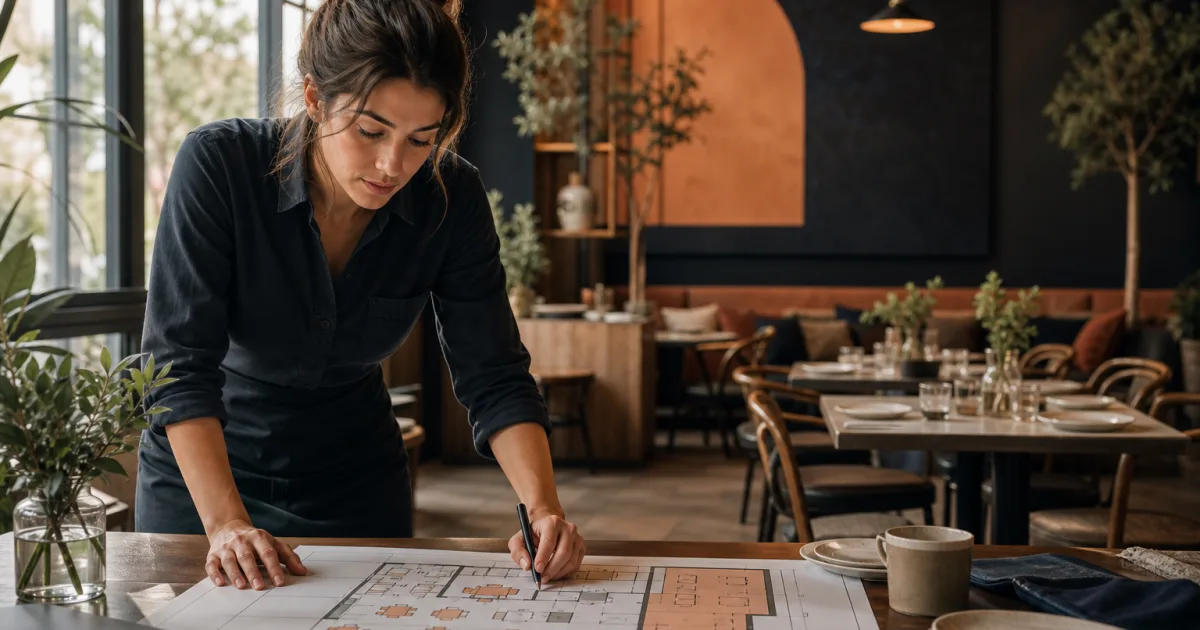
Reliable bookings begin before the first guest chooses a time online. For an independent restaurant, restaurant table availability management is the practical work of deciding which tables can be offered, in which area, for which service and under which conditions. When that structure is clear, the booking view reflects the room as it will actually operate. When it is unclear, availability can become misleading, even when the dining room appears to have empty seats.
The aim is not to make every table available at every moment. The aim is to offer a service that the team can deliver confidently. A clear approach to areas, tables and capacity helps managers protect the flow of service, give guests better expectations and make day-to-day decisions from one shared picture.
Start by mapping the spaces guests can be seated in
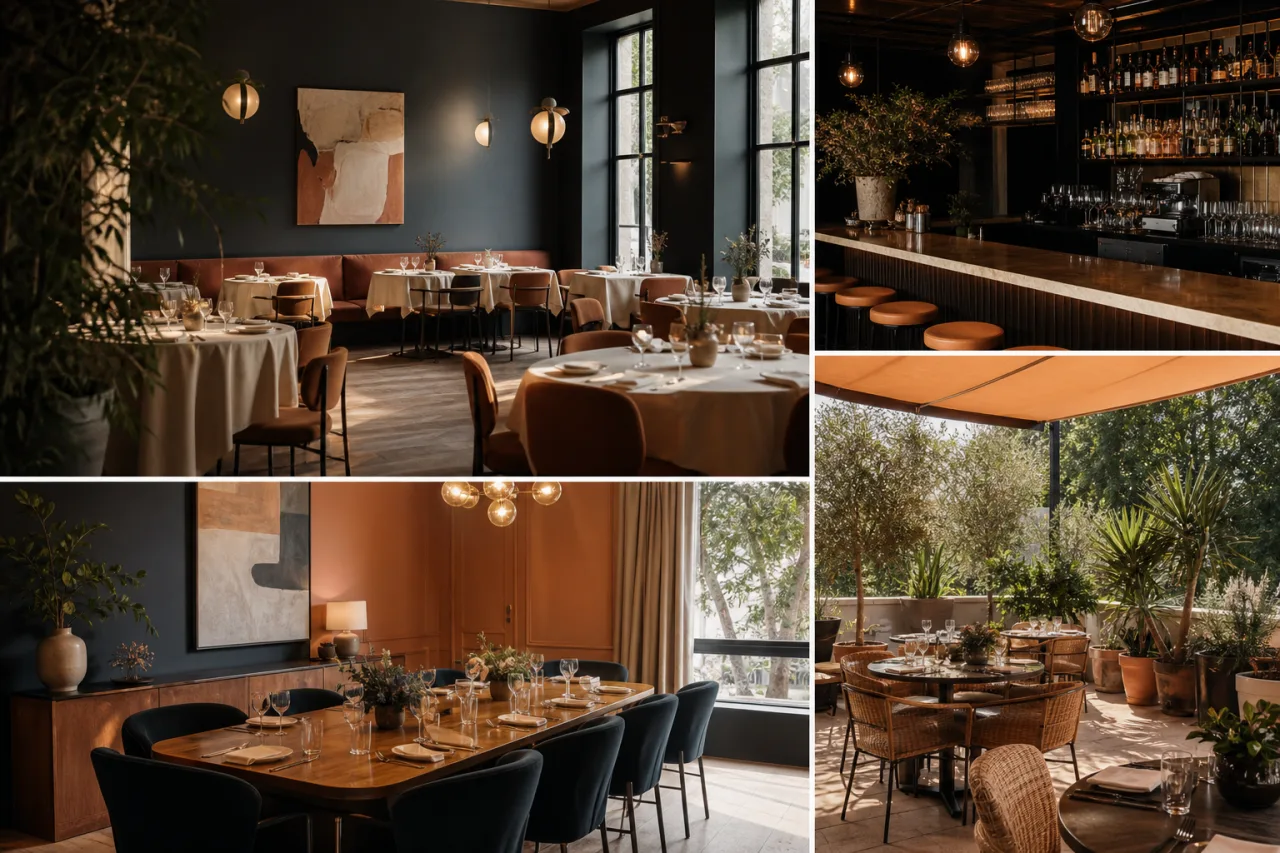
Begin with the physical layout, not the booking channel. List each distinct area where guests may be seated. Depending on the restaurant, this might include the main dining room, a bar area, a terrace or another separate room. Areas matter because they are not always interchangeable. They can differ in atmosphere, staffing needs, accessibility, weather exposure or the type of booking they suit.
For each area, identify the tables that belong to it and record their usual seating capacity. Keep the first version simple and recognisable to the people working the floor. If the team refers to a section by a particular name during service, use that same name in the booking setup. A shared language reduces uncertainty when a host, manager or server checks a reservation.
- Give every guest-facing space a clear area name.
- Assign each table to one area.
- Record the normal number of guests each table can hold.
- Note tables that can only be used in particular circumstances.
- Make sure the map matches how the room is genuinely used during service.
Do not assume that a table’s maximum physical capacity is always its bookable capacity. A large table may be useful for groups, while two small tables may be more valuable when kept separate. A table near a working route may be practical on a quiet day but unsuitable during a busy service. These are operational choices, and recording them upfront makes restaurant area management more deliberate.
Keep table combinations intentional
Many restaurants can join tables for larger parties. This flexibility can be valuable, but it should be planned rather than treated as an automatic answer to every request. If two tables are combined for one group, those tables are no longer available for separate bookings. Consider which combinations are realistic, where they fit and whether the resulting layout still works for the service team.
It is often helpful to decide in advance which tables are normally kept apart and which can be joined when needed. This avoids offering several small reservations and then discovering that a larger booking cannot be placed comfortably. It also avoids holding too many tables back for a possible group that never books.
Define availability service by service
Table availability is not a single all-day setting. It changes with the service. Lunch and dinner may use different parts of the restaurant, different table arrangements or different staffing patterns. A terrace may be available only at selected times. A quiet weekday may require a different plan from a busy weekend.
Set availability around the services you actually run. For each service, decide the opening times for bookings, the areas that can be used and the tables that should be offered. Then review whether the total capacity makes sense for that period. This is the foundation of table capacity planning: capacity should reflect the service plan, not simply the number of chairs in the building.
- Identify each distinct service period.
- Choose which areas are open for that service.
- Confirm the tables that are usable in each open area.
- Check how different party sizes can be accommodated.
- Review the resulting availability before guests can book it.
A central tool can make this review easier. Restaurant reservation management brings bookings, table availability, areas and the waiting list into one clear workspace, helping the team organise services without relying on scattered calls and notes.
Think beyond the total number of seats
A restaurant can have seats available overall while still being unable to accept a particular booking. For example, the remaining seats may be spread across tables that do not suit the party size, located in an area that is closed or needed for another purpose, or dependent on a table combination that is no longer possible.
That is why a useful availability check asks more than, “Do we have seats?” It asks, “Do we have a suitable table in an available area at this point in the service?” This distinction helps avoid accepting bookings that create difficult last-minute seating decisions.
Account for tables that are temporarily unavailable
Not every table should always appear as available. Tables may be unavailable because of a planned layout change, maintenance, a private use of an area or an operational decision for a particular service. The important step is to reflect that status before accepting reservations, rather than expecting the team to remember it later.
Marking unavailable tables protects the accuracy of the booking plan. It prevents a table from being counted in capacity when it cannot be used and gives the team a more dependable view of the room. It can also reduce the pressure to rearrange guests after they arrive.
Availability should represent what the restaurant can serve well, not every seat that exists on paper.
Review unavailable tables regularly. A temporary restriction should not become a permanent reduction by accident, and a table should not return to availability until it is genuinely ready to be used. The same discipline applies to areas: if an area is not part of a service plan, it should not quietly increase the booking capacity for that service.
Review capacity before opening bookings
Before making restaurant booking availability visible, take one final view of the service as a whole. Look at the expected mix of party sizes, the open areas and the usable tables. Check whether the plan leaves enough flexibility for normal changes during service. A fully occupied seating chart may look efficient, but a plan with no room for practical adjustments can be harder to run.
This review is especially important when a new service pattern begins, an area is reopened, table arrangements change or bookings are expected to be busy. Make capacity review a repeatable routine rather than a one-time setup task. The room, team and service can change, so the availability plan should be revisited when those conditions change.
Using a clear restaurant reservations view can support that routine by keeping online bookings, service availability, tables and areas together. Instead of reconstructing the plan from separate messages and notes, managers can review the same operational picture used to organise the service.
Handle changes without losing the overall plan
Even a careful setup will need adjustment. A table may become unavailable, a guest may change party size or an area may no longer be suitable for the planned service. The best response is to update the booking picture promptly and then consider the effect on the remaining availability.
When a change happens, work through it in order. First, confirm the table or area affected. Next, check which reservations and open spaces are connected to it. Then decide whether bookings can be moved without creating a new problem elsewhere. If no suitable place is available, it is better to recognise that constraint clearly than to keep offering capacity that cannot be delivered.
- Update the affected table or area as soon as its status changes.
- Check the impact on upcoming bookings, not only the next arrival.
- Protect tables needed for confirmed groups where possible.
- Review open availability after significant changes.
- Use the waiting list as part of an organised response when a suitable space becomes available.
For independent teams, this discipline creates a calmer handover between people and shifts. Everyone can see the intended use of the room, rather than relying on individual memory. It also makes it easier to explain decisions consistently when a guest asks for a different table or time.
Make availability a useful promise
Good restaurant table availability management is a balance of accuracy and flexibility. Map the room clearly, define availability for each service, remove tables that cannot be used and review the plan before bookings open. Then keep that picture current as the service changes.
The practical benefit is straightforward: bookings are based on a plan the restaurant can operate. Organise table availability from one clear reservation view with Restaurant reservations, bringing online bookings, areas, tables and the waiting list into the same workspace.