











For an independent restaurant, bookings, table availability and walk-ins are closely connected. A reservation affects which tables can be used, a delayed party affects the next seating, and a full dining room can quickly create a waiting list. When this information lives across calls, messages and loose notes, the team can spend service trying to reconstruct the plan instead of welcoming guests.
A reliable restaurant booking and table management workflow gives everyone a shared routine: define what can be booked, review new reservations, prepare the floor before service, manage waiting guests fairly, and keep important changes visible. The aim is not to make every service identical. It is to create one clear source of information that helps the team respond when the day does not go exactly as planned.
1. Define services, areas and table availability
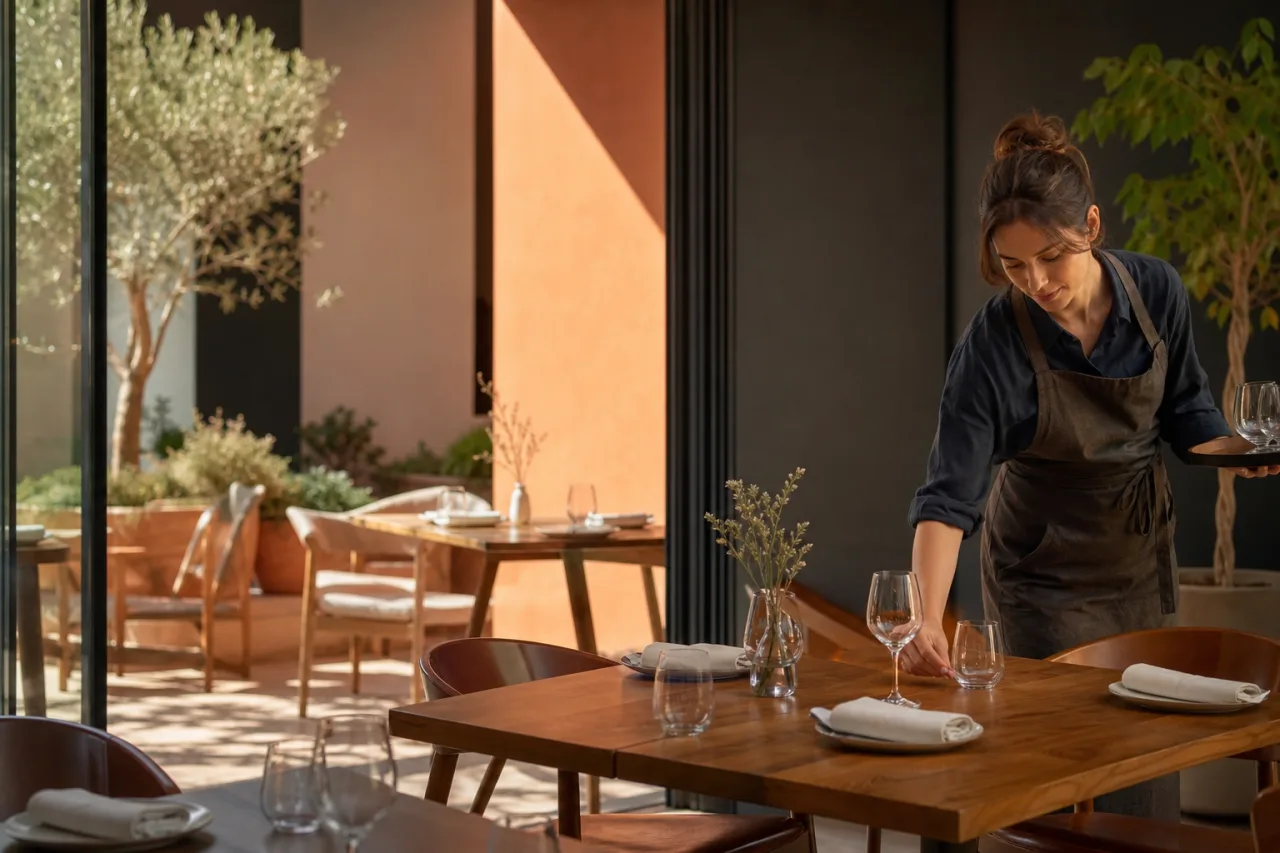
Start with the structure of a normal service. Decide which services guests can book and which parts of the restaurant are available for each one. If the venue has distinct areas, such as an indoor dining room and an outdoor area, treat those areas as part of the availability decision rather than as an afterthought at the door.
Then organise the tables that belong to each area. The practical question is simple: what can the team confidently offer at this point in the service? Availability should reflect the tables and areas the restaurant intends to use, not just a rough idea of overall capacity. This makes it easier to see the consequences of each booking and to avoid accepting reservations that create uncertainty later.
- Set up the services the restaurant plans to run.
- Identify the areas used for those services.
- Organise the tables within those areas.
- Review availability before opening reservations for a service.
This foundation also makes changes easier to handle. If a particular area is unavailable for a service, the team can adjust availability from the same operational view rather than relying on staff to remember a verbal instruction. The result is a more dependable starting point for online restaurant bookings and for guests arriving without one.
2. Receive and review online reservations
Online bookings can make it easier for guests to request a table, but receiving a reservation is only the first step in the restaurant reservation process. The team still needs to review bookings in the context of the relevant service, area and table availability.
Use one clear workspace to receive reservations and see them alongside the service plan. With Restaurant reservations, independent restaurants can receive bookings online while managing availability, tables, areas and the waiting list in the same place. That connection matters because a booking should inform the floor plan immediately, rather than becoming another message that must be copied into separate notes.
Build a short review habit around reservations. Before service, check what has arrived and whether the booking pattern still fits the tables and areas available. During a quieter moment, repeat the check for upcoming demand. This does not require a complicated process; it requires consistency. A booking view is most useful when the people responsible for greeting guests and placing parties can trust that it reflects the current plan.
Keep the review focused on decisions
When reviewing reservations, concentrate on the decisions the team needs to make: where can the party be placed, what availability remains, and does anything need to be changed before guests arrive? Avoid creating a second system of private notes or memory-based updates. If a change affects service, it should be visible in the working record the team uses.
3. Organise bookings before service begins
The pre-service check turns a list of reservations into an actionable plan. Look at bookings by service and consider the order in which tables may be needed. Confirm which areas are in use and make sure the table view reflects the day’s actual setup. This gives front-of-house staff a shared answer when they need to know what is expected next.
For managers, the benefit is clarity. Instead of repeatedly asking who is coming in, where they will sit or whether a table is available, the team can refer to one view. For staff, it reduces handovers based on incomplete recollection. For guests, it supports a calmer arrival because the restaurant is working from a plan before the door gets busy.
- Review the bookings for the next service.
- Check the areas and tables that will be used.
- Confirm the availability that remains.
- Make sure the team knows where to find the live booking and table view.
- Use that view as the reference point throughout service.
A clear plan is especially valuable when the expected pattern changes. A busy period may develop earlier than expected, or a table may take longer to become available. The workflow should not depend on predicting every situation. It should make the current situation easy to see and discuss.
4. Add guests to a waiting list when tables are full
When no suitable table is currently available, a waiting list gives the team a structured alternative to turning every walk-in into an informal promise. Record the guest on the waiting list and keep that information connected to the same view used for bookings and tables. This helps staff distinguish between confirmed reservations, available tables and guests who are waiting for an opportunity to be seated.
A waiting list is useful because demand changes during service. A table may become available sooner than expected, or a new booking may affect what can be offered next. If waiting guests are only written on a separate piece of paper or remembered by one person, the rest of the team may not know who is waiting. A shared list keeps the situation visible when staff move between the entrance, dining room and other service tasks.
When tables are full, clarity is more helpful than a vague promise: record the guest, keep the status visible, and review the list as table availability changes.
The waiting list should support honest communication. Only offer what the current table picture supports, and revisit the list as the service moves. This approach is not about guaranteeing outcomes that cannot be controlled. It is about giving the team an organised way to handle interest when immediate seating is not possible.
The Restaurant reservations app brings waiting-list management together with online bookings, services, areas and tables. Keeping these connected can reduce the need to search across calls and notes when the restaurant is at its busiest.
5. Keep changes and incidents visible to the team
A service plan is only useful if it remains current. Bookings can change, guests can arrive at unexpected times, and table availability can shift during the day. The operational habit to build is simple: when something changes the plan, update the shared view used by the team.
This is also how the workflow supports better handovers. A staff member taking over does not need a long verbal reconstruction of the room if reservations, tables and the waiting list are organised in one place. They can see the live context and continue from it. Managers can focus their attention on decisions rather than on collecting scattered information.
Use one source of truth during service
Choose the booking and table view as the team’s reference point. Discuss decisions in person when needed, but make sure the operational information remains visible there. This is particularly important at busy transitions: before opening, when a service begins, when tables are full, and when one team member hands responsibility to another.
A repeatable workflow will not remove the natural pressure of a full restaurant. It can, however, make that pressure easier to manage. Define availability, review reservations, prepare tables and areas, use a visible waiting list, and record meaningful changes where the team can act on them.
Conclusion: make the service plan easy to see

Independent restaurants do not need scattered calls and notes to organise a busy day. A consistent restaurant booking and table management workflow connects online reservations, table availability and waiting guests in a practical service routine. Organise restaurant reservations and table availability in one clear view with Restaurant reservations and give the team a clearer starting point for every service.