

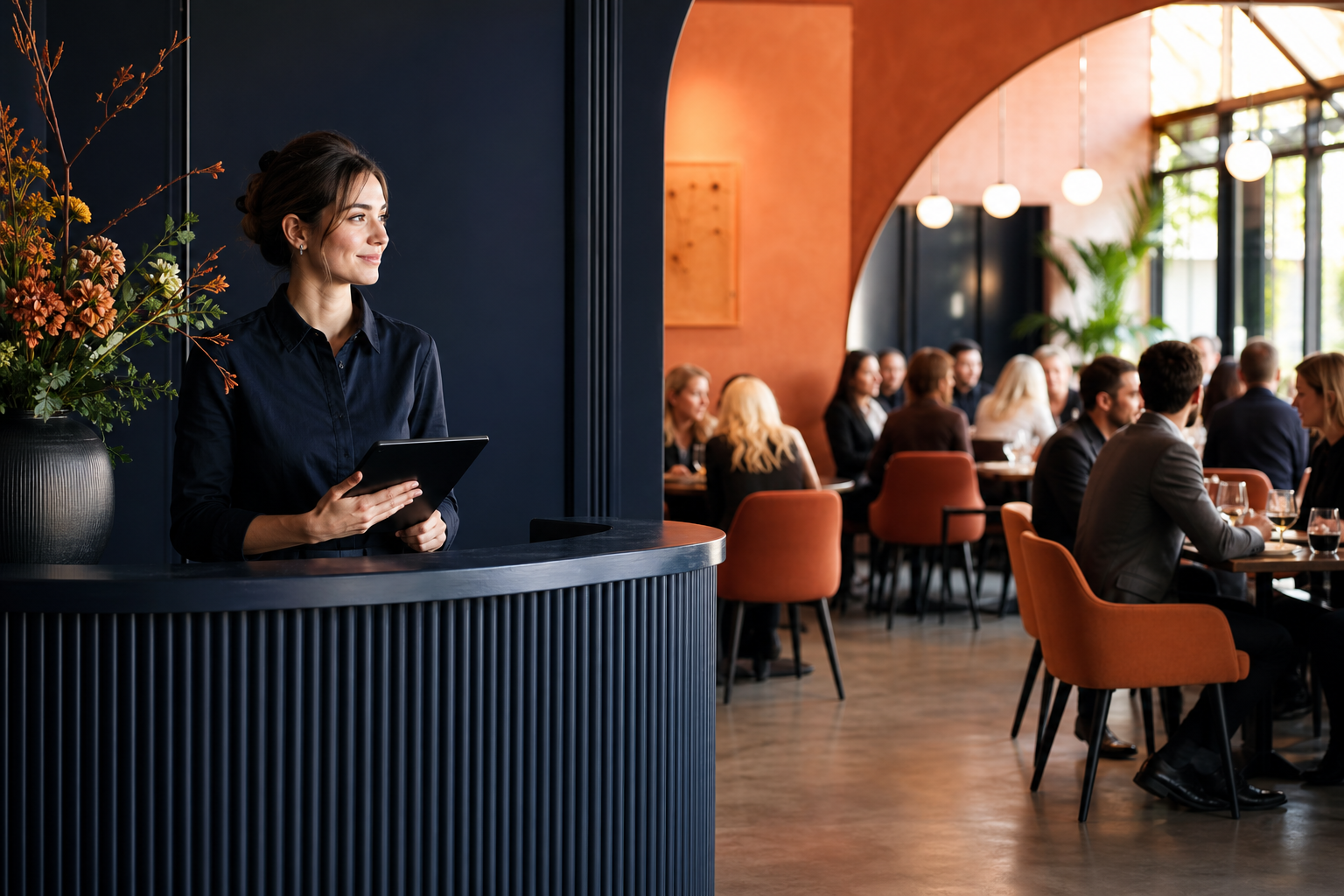
Busy services can become difficult quickly when restaurant bookings, walk-in requests and table changes are recorded in different places. A call may be written on a note, an online reservation may sit in a separate view, and a guest waiting for a table may be remembered only by the person who spoke to them. For independent restaurants and small hospitality teams, this creates uncertainty at the exact moment staff need clear answers.
Restaurant waiting list management works best when it is part of the same routine as reservations, table availability and service planning. The aim is simple: give the team one reliable view of what has been booked, what remains available and which waiting-list requests need attention. This does not remove the pressure of a full dining room, but it can make decisions more consistent and reduce avoidable table conflicts.
Why a visible waiting list matters during busy services
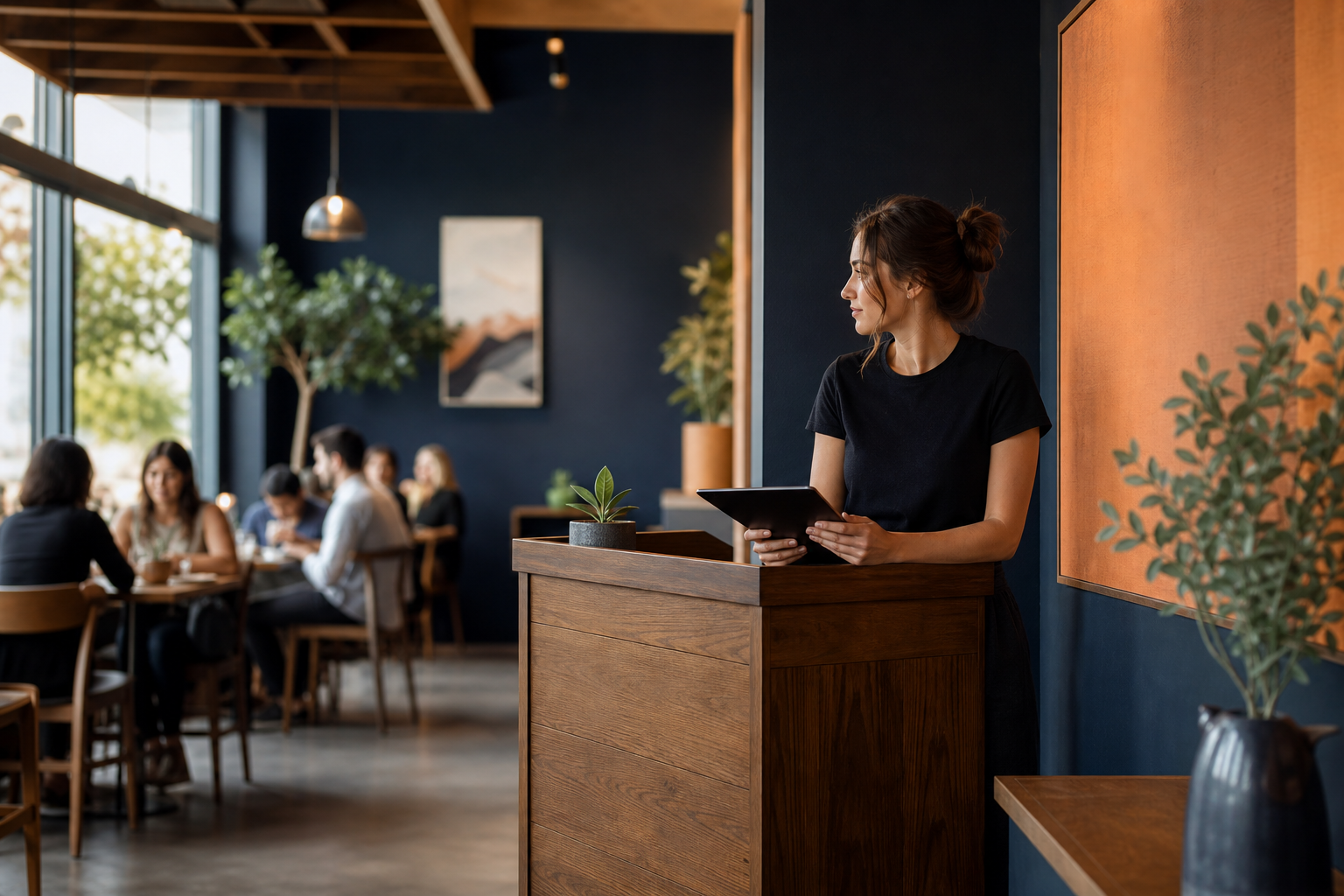
A waiting list is more than a record of guests who could not be seated immediately. It is a practical way to handle demand when a service is close to capacity. When the list is visible and kept current, the team can respond to requests with a clearer understanding of the restaurant’s actual position.
Without a shared process, it is easy for waiting-list activity to become scattered. One person may take a phone request while another accepts an online booking. A table may appear free to one team member but be expected by someone else. The result can be conflicting information for guests and extra pressure on the team.
A clear list gives staff a useful reference point throughout service. It helps them see which requests are still open, which booking changes may affect availability and which guests should be contacted if a table becomes available. It also encourages a more measured response: rather than making decisions from memory, the team can look at the same current information.
A useful waiting list is not separate from table planning. It is the next layer of the same availability picture.
This matters for guests as well as staff. If a team can explain that a request is being recorded and reviewed against current availability, the conversation is clearer than an uncertain promise. The key is to record requests accurately and update them when circumstances change.
Define services, areas, tables and availability before accepting bookings
A reliable process starts before the first reservation arrives. Restaurant table availability is easier to manage when the team has first defined how the restaurant operates for each service. That means agreeing what counts as a service, which areas and tables are relevant, and when availability should be offered.
Start with the service structure
Consider each service as its own working period. A restaurant may organise availability differently depending on the time of day, the day of the week or the type of service being run. The important point is not to treat every request as if it belongs to one undifferentiated schedule. A booking should be assessed in the context of the relevant service.
Before opening bookings, establish a shared view of:
- the services the restaurant intends to run;
- the areas where guests may be seated;
- the tables that belong to those areas;
- the availability the team is prepared to offer for each service; and
- how requests should be handled when the available space is already allocated.
This foundation helps the team answer basic questions consistently. Is a table available for this service? Which area is appropriate? Is the request a confirmed booking, or should it be placed on the waiting list? When these choices are made from a defined structure, they are less likely to depend on whoever happens to take the request.
Make availability a team reference, not a private note
Table availability should be visible to the people responsible for bookings and service organisation. If it lives only in calls, messages or personal notes, it becomes harder to maintain as changes arrive. One clear workspace makes it easier to compare requests with the tables, areas and service availability already recorded.
This is where a restaurant reservation system can support a small team. Suite.coffee’s Restaurant reservations app is designed to receive online bookings and organise bookings, availability, tables, areas and waiting-list activity from one clear view. The practical benefit is not complexity; it is replacing scattered calls and notes with a calmer shared reference for restaurant reservation management.
How to handle online reservations alongside waiting-list requests
Online restaurant bookings and waiting-list requests should follow the same availability logic. They may arrive through different channels, but both affect the restaurant’s ability to seat guests during a particular service. Treating them as connected prevents the waiting list from becoming an afterthought.
Record the request against the relevant service
When a request arrives, first identify the service it relates to. Then check the current table availability for that service before deciding whether it can be accepted as a booking or should be added to the waiting list. This sequence keeps the process grounded in the current plan rather than an assumption that space may appear later.
For each waiting-list request, keep the essential details needed to act on it. The goal is to make the request understandable to another team member without relying on a separate conversation or note. Clear records also make it easier to review the list as tables and bookings change.
Keep statuses meaningful and current
Confusion often comes from records that are no longer accurate. A booking may have changed, a table may have been reassigned, or a waiting-list request may no longer need action. Make updating part of the normal workflow, not a task saved until the end of service.
- Check the relevant service and its current availability.
- Record the request as a booking or as a waiting-list request.
- Update the record when the request is confirmed, changed or no longer active.
- Review the waiting list when availability changes.
- Use the current view when responding to the next guest request.
This process does not require a complicated system. It requires a consistent order of operations. By checking availability first and updating records as decisions are made, the team protects the quality of the information everyone uses.
A simple process for confirming, updating and organising bookings
To manage restaurant reservations well during a busy period, create a routine that is easy to repeat. The best process is one that a small team can follow while still welcoming guests and running service.
Before service
Review the bookings already recorded for the upcoming service. Check the areas, tables and availability that form the plan. Look at the waiting list so the team knows which requests may need attention if circumstances change. This gives staff a common starting point before calls, online reservations and walk-ins increase the pace.
During service
Use the same view for new information. When an online booking is received, organise it against the appropriate service and table availability. When a guest asks for a table and there is no suitable availability, add the request to the waiting list rather than relying on memory. When a booking changes, update it promptly so the rest of the team is not working from an outdated picture.
It can help to make one person responsible for keeping the booking and waiting-list view current at any given moment. This does not mean that person must make every decision alone. It means the team knows where changes should be recorded, which reduces the risk of two different versions of availability emerging.
After changes
Whenever availability changes, return to the waiting list. A newly available table may create a possible next action, while an additional booking may mean a request can no longer be considered in the same way. Keeping the waiting list connected to live availability makes it an active operational tool rather than a forgotten record.
Customer details and notes can also be useful when a team needs essential context in one place. Suite.coffee’s Client app is designed to keep important customer information, notes and activity organised. Used alongside reservation activity, it can help small businesses keep customer context accessible without turning it into another scattered source of information.
What to review after each service to reduce avoidable table conflicts
A short review after service can improve the next one. The purpose is not to dwell on every difficult moment; it is to identify where the process became unclear and make a practical adjustment.
Ask a few focused questions:
- Were all bookings recorded against the right service, area and table availability?
- Did the waiting list remain visible and current?
- Were changes recorded when they happened?
- Did staff have one clear place to check before responding to guests?
- Did any table conflict come from a missing update, an unclear service plan or scattered notes?
The answers can reveal simple improvements. Perhaps availability needs to be defined more clearly before the service begins. Perhaps the team needs a stronger habit of updating booking changes immediately. Perhaps waiting-list requests need to be reviewed whenever the booking picture shifts. Small adjustments can make a noticeable difference because they improve the quality of the shared view.
Conclusion: make the waiting list part of the service plan

Effective restaurant waiting list management depends on clarity, not on adding more moving parts. Define services, areas, tables and availability first. Record online bookings and waiting-list requests in the same operational picture. Update information as it changes, and review the process after service.
When bookings, availability and waiting-list activity are organised together, small restaurant teams can spend less time reconciling calls and notes and more time making informed decisions during busy services.
Explore Suite.coffee’s Restaurant reservations app to organise bookings, availability, areas and waiting-list activity from one clear view.