










Configure identity, regional context and booking rules before sharing the public page.
Before you start
- Create the first area, tables and regular service.
- Confirm contact details, timezone, currency and primary language.
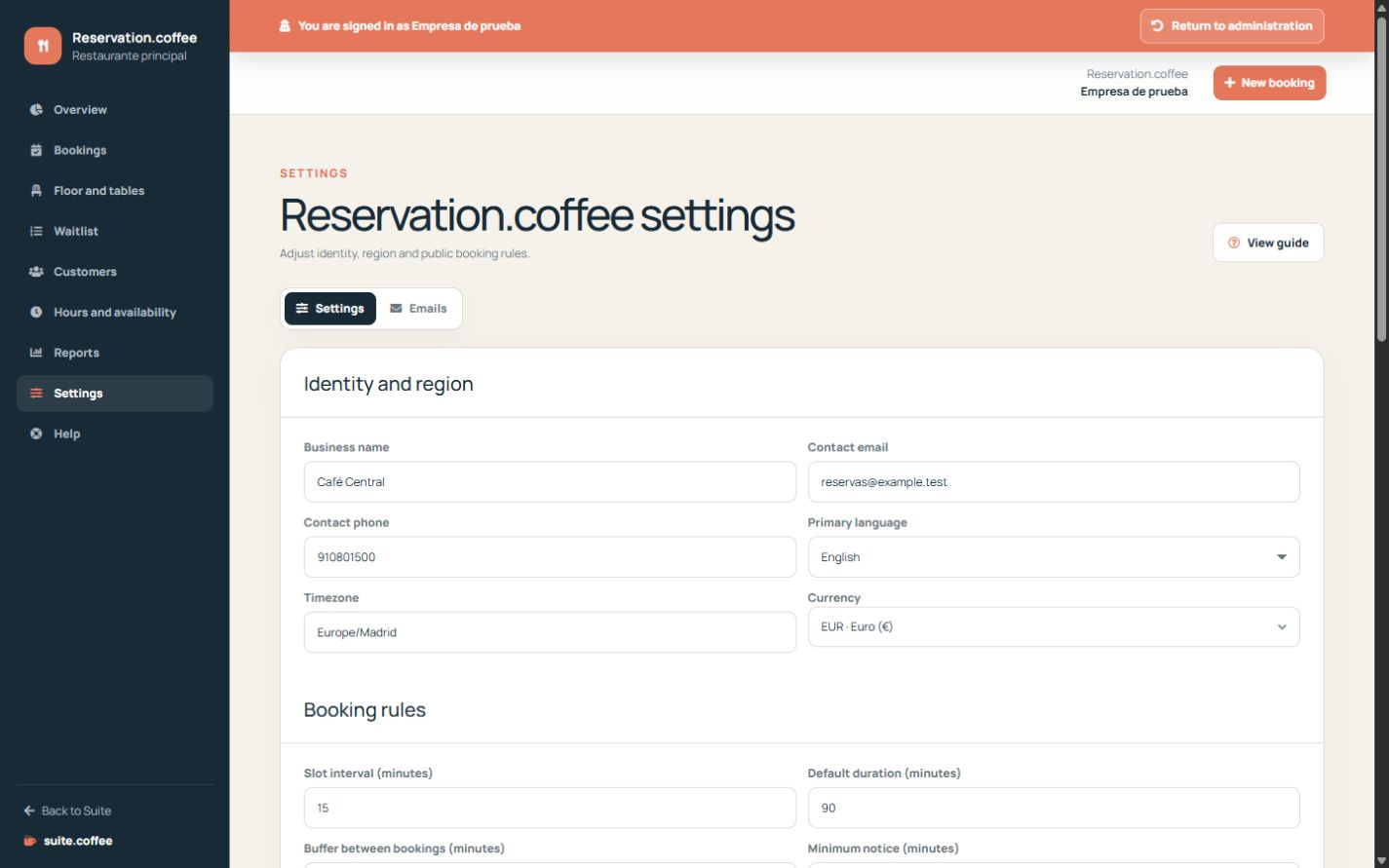
Complete the initial assistant
Confirm the public identity, create the first area and tables and define a regular service. Country, timezone, currency and week start come from the Suite instance.
Review booking rules
Set slot interval, duration, buffer, minimum and maximum notice, party-size limits and the cancellation deadline. Decide whether guests may choose an area, reschedule or cancel.
Publish deliberately
Activate public bookings only after tables, services and contact details are ready. Account, members, plan and service connections remain in the general Suite.coffee help.
Step by step
- Open Settings from the Reservation sidebar.
- Review the business name, public address and contact details.
- Set slot interval, duration, buffer and notice windows.
- Define party-size limits and allowed public changes.
- Activate public bookings and complete a test journey.
Final check
- Dates and times use the expected timezone.
- The public page only offers valid party sizes and slots.
- Contact and self-service options match the operating policy.
Tip: Finish capacity and availability before publishing; an active page cannot invent tables or service periods.