










Test the complete guest journey in every language before distributing its link.
Before you start
- Publish the service and keep at least one available table.
- Use a demonstration email address that can receive the verification code.
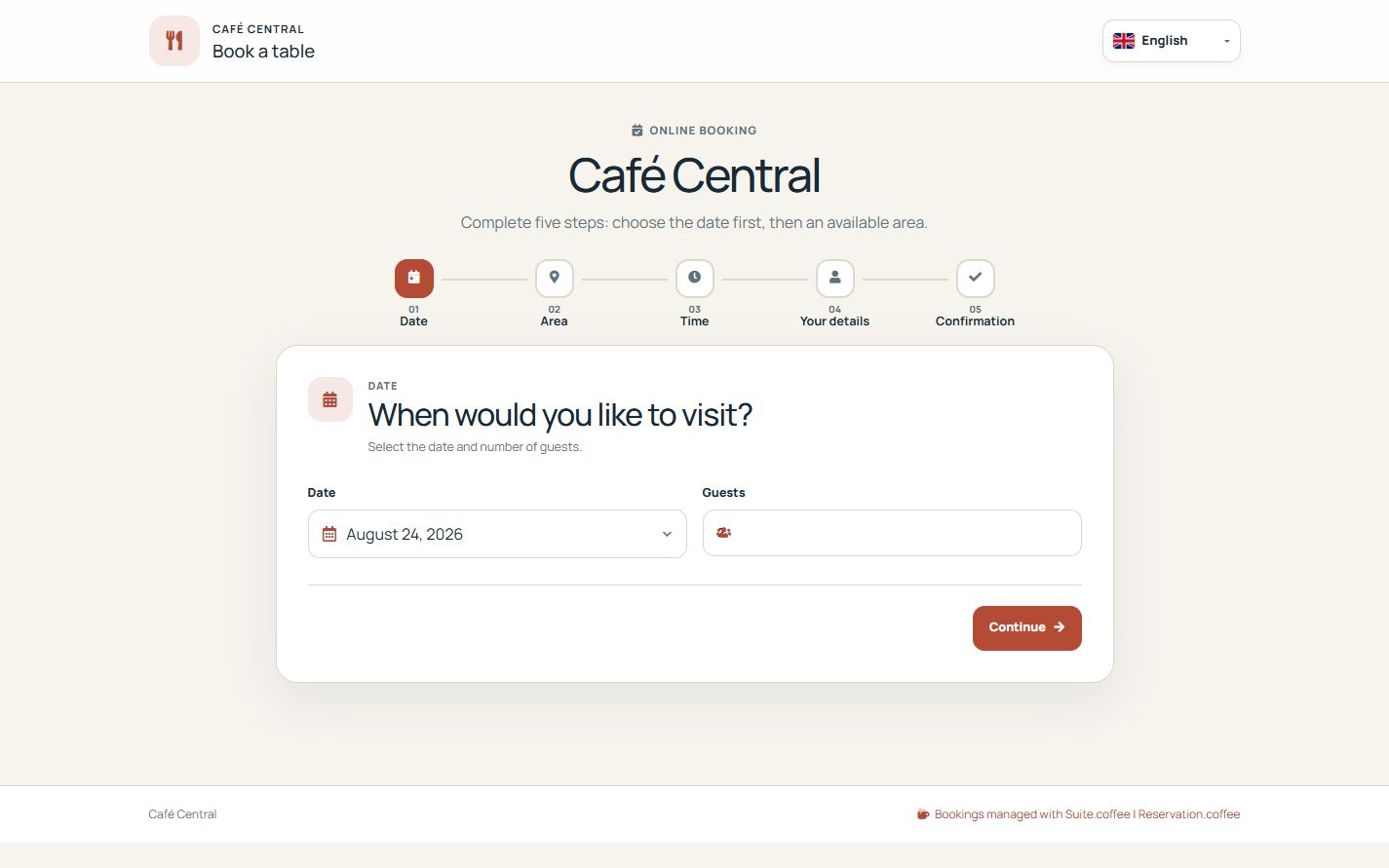
Choose from real availability
The public wizard asks for date, party size, optional area, time and contact details. It only offers slots compatible with active tables, services, exceptions, notice, duration and buffer.
Verify before creating
A six-digit email code lasts ten minutes, permits five attempts and is tied to the instance, email, date, time, party size and area. Availability and verification are checked again when the booking is created.
Manage with the secure link
When enabled and still within the notice period, the guest can reschedule in the original area or cancel, and can download an ICS file. The token grants access only to that booking.
Step by step
- Open Public bookings from the overview.
- Choose date, party size and area when area selection is enabled.
- Select an available time and enter guest contact details.
- Request and enter the six-digit verification code.
- Confirm the booking and test its secure management link.
Final check
- Unavailable times cannot be selected.
- The email code is required before creation.
- The management link exposes only the corresponding booking.
Tip: Repeat the journey on a phone; this is the view guests will actually use.