










Adapt operational messages by language while preserving booking data and secure links.
Before you start
- Confirm the primary language in Settings.
- List only the guest languages the business can maintain.
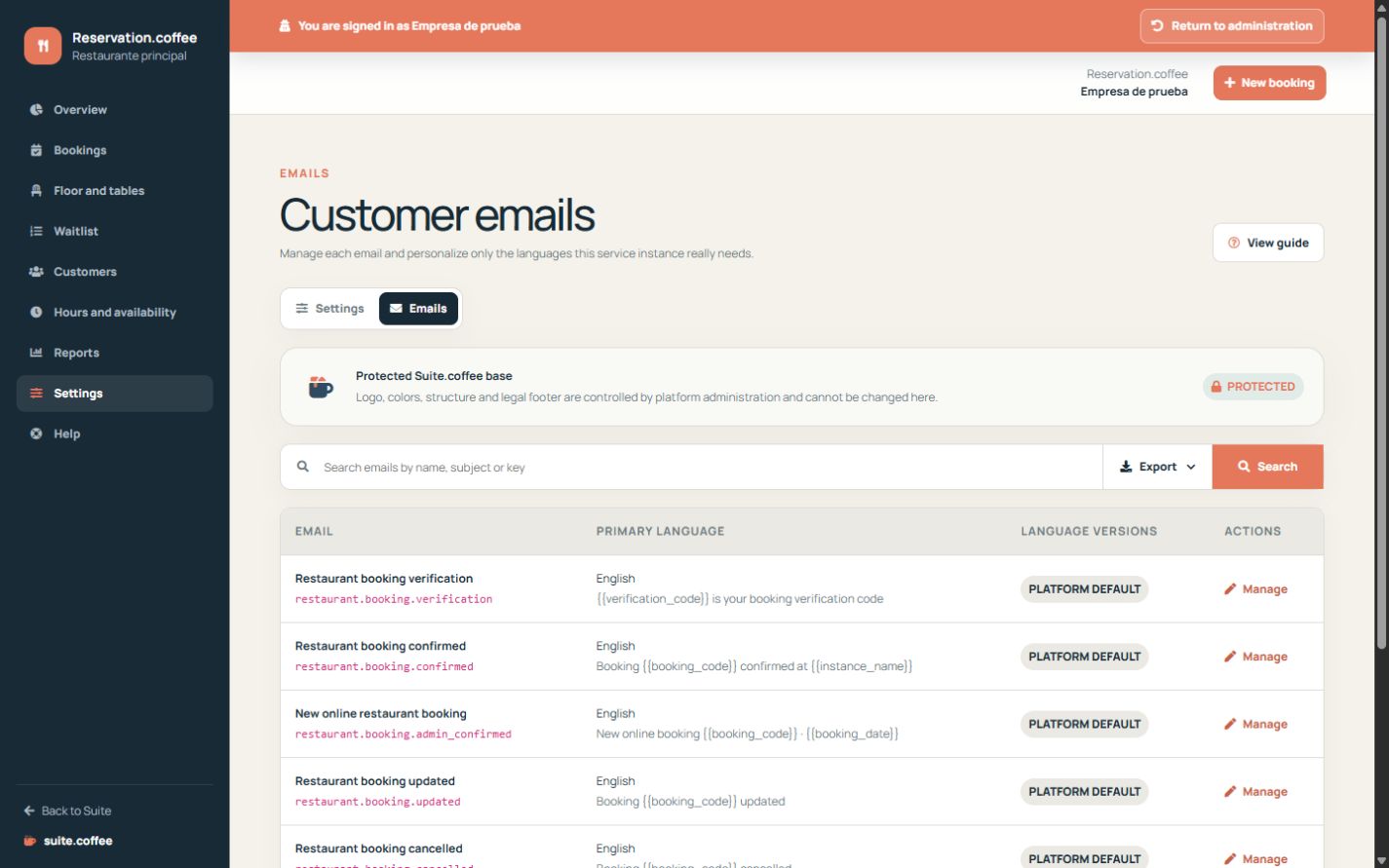
Preserve the protected base
Customise sender and message content while retaining required booking identifiers, variables and secure links. Empty fields inherit the Suite template.
Work by language
Review the primary language first, then add only the versions your guests need. Preview the final message and reset a translation when inheritance is preferable.
Follow the actual status
Reservation chooses notifications from the real booking state: a pending booking is not presented as confirmed. Operational emails do not execute a deposit payment.
Step by step
- Open Settings and then Emails.
- Choose the verification, confirmation, change, cancellation or reminder template.
- Review sender name and the primary-language version.
- Add or edit only the necessary language versions.
- Preview variables, dates and secure links before relying on the template.
Final check
- Required variables remain present.
- The subject and content match the real booking status.
- Every maintained language has been reviewed.
Tip: Reset a translation when the platform default is safer than an outdated custom version.