










Keep demand without capacity separate until a valid table and time genuinely become available.
Before you start
- Confirm there is currently no suitable booking slot.
- Collect a reliable contact and acceptable time window.
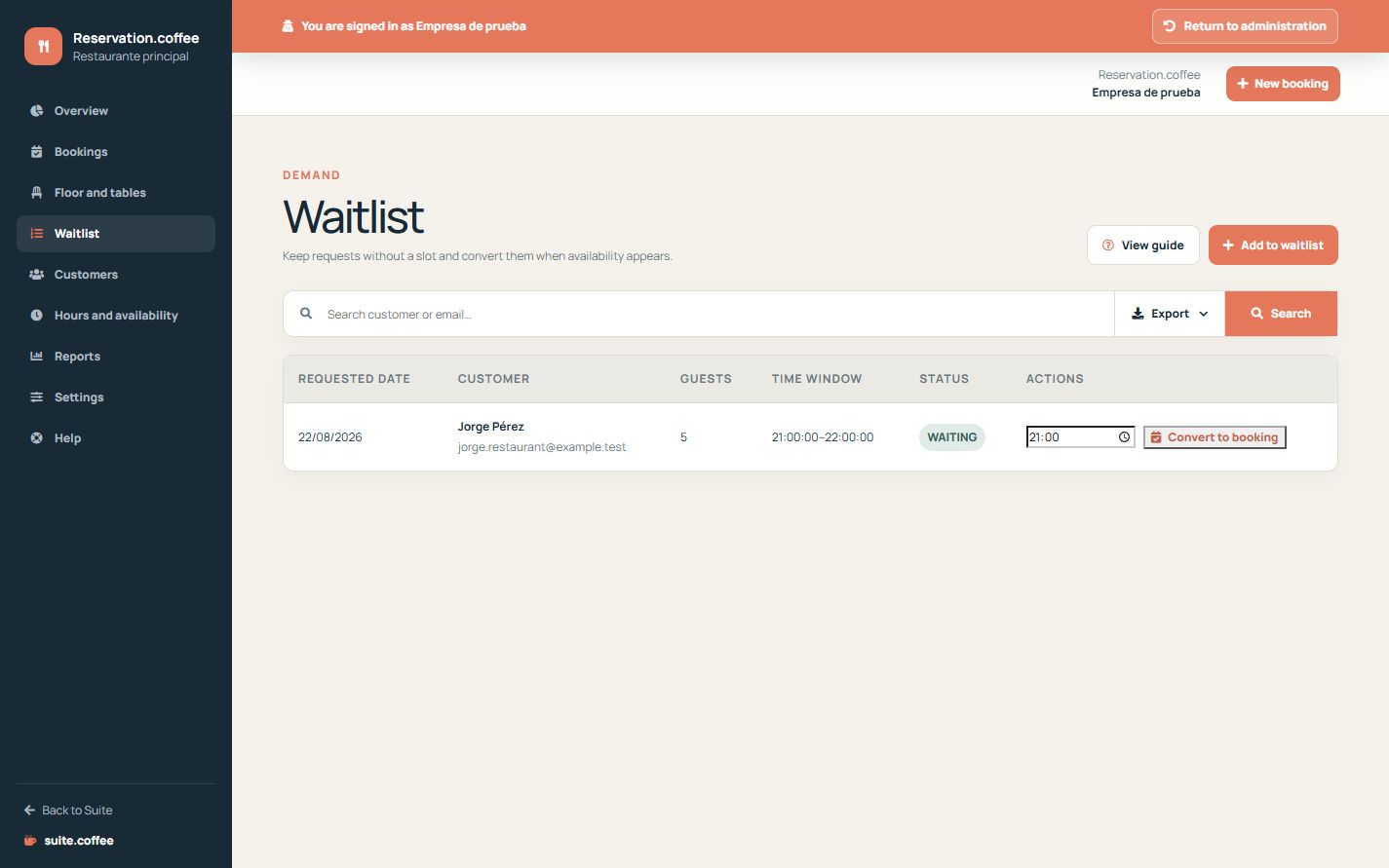
Record the request
Save desired date, party size, optional time window and contact details. A waiting entry is not a booking and consumes no table capacity.
Convert against real availability
When a suitable time appears, convert the waiting entry. Reservation creates a confirmed booking transactionally, assigns valid tables and links the original request.
Know the current boundary
The internal waitlist supports operational follow-up. The public booking page does not currently let guests add themselves automatically when no slot exists.
Step by step
- Open Waitlist and add a request.
- Record desired date, party size and optional time window.
- Add customer name and at least one useful contact channel.
- Review waiting entries when capacity changes.
- Convert only after choosing a valid available time.
Final check
- The request is not counted as a booking.
- Contact and time window are actionable.
- Conversion creates one linked confirmed booking.
Tip: Do not promise a table from the waitlist; confirm availability at the moment of conversion.